

How to Generate a Mood Board for Your Brand's Visual Strategy
A mood board is far more than a collage of pretty pictures. It is a strategic visual document that translates abstract brand values into concrete design direction, aligning every stakeholder from your CEO to your freelance designer in seconds. According to widely cited research, 94% of first impressions are design-related, yet many brands still treat visual development as an afterthought. Whether you sell on Amazon, Shopify, or your own DTC storefront, generating a data-backed mood board is the critical first step toward visual content that actually converts. This guide walks you through the entire process, from defining your brand identity to scaling mood board insights across every sales channel.
What Is a Brand Mood Board?
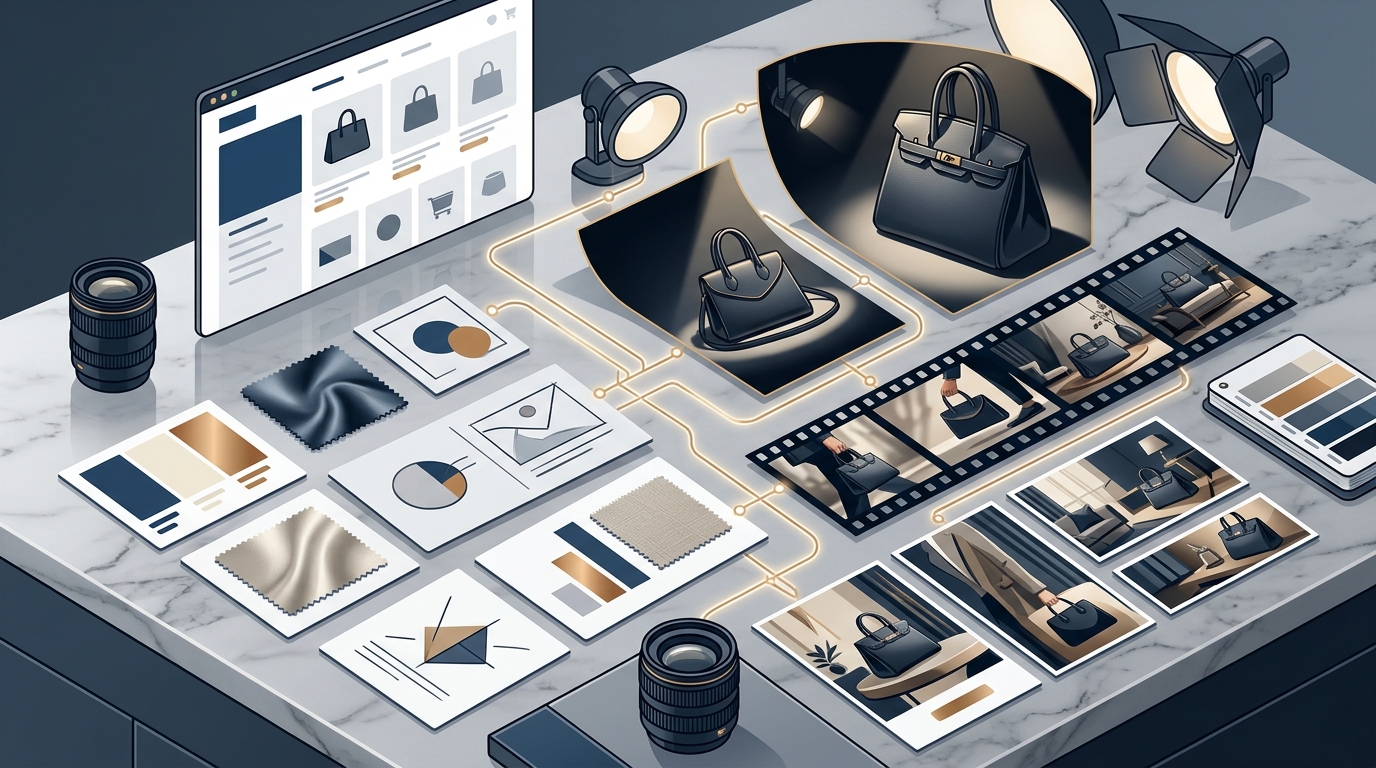
A brand mood board is a curated collection of visual references, including colors, images, typography, textures, and patterns, that communicates your desired aesthetic and brand direction. Think of it as your brand's visual North Star: it does not just collect beautiful images but creates a strategic framework that guides every design decision.
Unlike a simple Pinterest board, a strategic mood board captures the emotions your brand aims to evoke and establishes a shared visual language across teams. It serves as a reference point for all branding efforts, ensuring consistency and coherence across platforms, from your Amazon product listings to your Instagram feed.
Why Mood Boards Matter for Visual Strategy
More than half of all brand first impressions are visual, according to the U.S. Chamber of Commerce. Cohesive visual marketing builds trust and drives purchasing decisions, especially in ecommerce where buyers cannot touch or try a product.
Mood boards solve three problems at once. First, they create alignment by giving everyone a shared visual language. Second, they speed up communication with designers by showing rather than telling. Third, they reduce creative rework by establishing direction before pixel-level design begins.
Brand Consistency at Scale
When your campaign stretches across channels, teams, or borders, a clearly labeled mood board keeps everyone visually in sync. This is especially important if you are adapting campaigns for different languages, cultures, or marketplaces. Brands using Dresma's visual content workflows start with a mood board to ensure every asset, from lifestyle shots to ad creatives, stays on brand.
Step-by-Step: How to Generate a Mood Board
Step 1: Define Your Brand's Core Identity
Before gathering any visuals, clarify your brand's core values, target audience, and the emotions you want to evoke. Ask: What does our brand stand for? Who are we speaking to? What feelings should our visuals trigger? These answers form the foundation of every visual choice you make.
Step 2: Gather Inspiration Strategically
Collect images, color palettes, typography samples, and textures from multiple sources: competitor listings, social media, magazines, and even physical environments. A competitive analysis is a critical skill here. Look at what is performing well in your product category across platforms like Instagram, Amazon, and Pinterest.
Step 3: Curate and Organize
Apply the 60-30-10 rule: 60% core brand expression, 30% complementary elements, and 10% unexpected touches that add personality. Include 3 to 5 brand color swatches with hex codes, primary and secondary fonts, photography style references, and texture or pattern samples. Remove anything that does not serve your brand strategy.
Making Your Mood Board Data-Driven
Traditional mood boards rely on gut instinct. A data-driven mood board is one that incorporates competitor performance data and audience preferences to guide creative decisions. This is where AI-powered tools change the game.
Dresma's AI mood board generator follows a simple three-step process: upload your past content so the platform adapts to your aesthetic and product range, then the AI gauges your visual strategy against top competitors across Pinterest, Instagram, and Amazon, and finally it recommends visual formats and themes aligned with your brand. The result is a mood board built on insights, not guesswork.
Unlike generic mood board creators, Dresma's tool learns your brand voice, color palette, and tone. It also analyzes product categories and target audience preferences, making it particularly valuable for brands managing large catalogs across multiple ecommerce channels.
Mood Board Tools Compared
| Feature | Canva / Pinterest | Adobe XD / Miro | Dresma AI Mood Board |
|---|---|---|---|
| Competitor Analysis | Manual | Manual | Automated, data-backed |
| Platform-Specific Insights | No | No | Amazon, Instagram, Pinterest |
| Brand Voice Adaptation | No | Limited | Yes, learns from uploads |
| Performance Data Integration | No | No | Yes |
| Best For | General branding | Design teams | eCommerce visual strategy |
| Cost | Free / Paid tiers | Paid | Free to start |
General-purpose tools like Canva and Pinterest are excellent for assembling visual collages, but they lack performance data. For brands that need mood boards tied to measurable outcomes, an AI-driven approach offers a clear advantage. Learn more about AI-powered product photography and how it connects to your mood board workflow.
Scaling Your Mood Board Across Channels
A mood board is only as valuable as its application. Once created, use it as the creative brief for every content type: lifestyle images, flat lays, marketplace listings, ad creatives, and promotional videos.
Dresma's platform adapts mood board output to each sales channel, whether you are optimizing an Amazon PDP or designing Instagram Reels. Every image passes through human quality checks to ensure authenticity and brand readiness. This AI-plus-human workflow helps brands stay ahead of ecommerce photography trends while maintaining consistency.
For teams working across borders, the mood board becomes a universal reference. Visual cues are often universal, but only if you define them early in the creative process.
Key Takeaways
- A mood board is a strategic visual document, not a decorative collage. It bridges the gap between brand strategy and design execution.
- Start by defining your brand's core values, audience, and emotional goals before collecting any visuals.
- Use the 60-30-10 rule to balance core brand expression, complementary elements, and personality-driven surprises.
- Data-driven mood boards outperform inspiration-only boards by grounding creative decisions in competitor and audience insights.
- AI mood board generators like Dresma analyze top-performing visuals across Amazon, Instagram, and Pinterest to deliver strategic recommendations.
- Scale your mood board across every channel by using it as the creative brief for all visual content production.
- Combine AI automation with human quality checks to ensure every final asset meets brand standards.
Frequently Asked Questions
What is a mood board in visual marketing?
A mood board is a curated collection of visual references, including images, colors, fonts, and textures, that communicates the desired aesthetic and emotional direction of a brand. It serves as a shared reference point for designers, marketers, and stakeholders.
How is an AI mood board different from a regular mood board?
An AI mood board generator analyzes competitor performance data and audience preferences to recommend visual themes. Traditional tools rely on manual curation and personal taste without data backing.
What elements should I include in my brand mood board?
Include 3 to 5 brand color swatches with hex codes, primary and secondary typography, photography style references, texture or pattern samples, and keywords that capture your brand's emotional tone.
Can I use one mood board for multiple sales channels?
Yes. A well-constructed mood board should serve as the visual foundation across all channels. Tools like Dresma adapt mood board output for Amazon, Instagram, Shopify, and other platforms automatically.
How often should I update my brand mood board?
Review your mood board quarterly or whenever you launch a new product line, enter a new market, or notice shifts in competitor visual strategies. Seasonal campaigns may also warrant mood board updates.
Do I need design skills to create a mood board?
No. AI-powered tools simplify the process by automating visual curation and competitor analysis. You only need to upload your existing brand content and product images to get started.
How does a mood board improve conversion rates?
By grounding your visual content in data-backed insights, a mood board ensures your images resonate with your target audience. Dresma reports that its AI-powered workflows have contributed to a 60% increase in conversion rates for online sellers.
What is the best free mood board tool for ecommerce brands?
Dresma offers a free AI mood board generator specifically designed for ecommerce. It analyzes competitors across Amazon, Instagram, and Pinterest, making it a strong choice for sellers who want strategic direction, not just aesthetic inspiration.
Ready to Build Your Data-Backed Mood Board?
Stop guessing what content to create. Book a free demo with Dresma and get a personalized, data-driven mood board tailored to your brand, your competitors, and your sales channels. Your next high-performing visual campaign starts here.